Adding a Repository
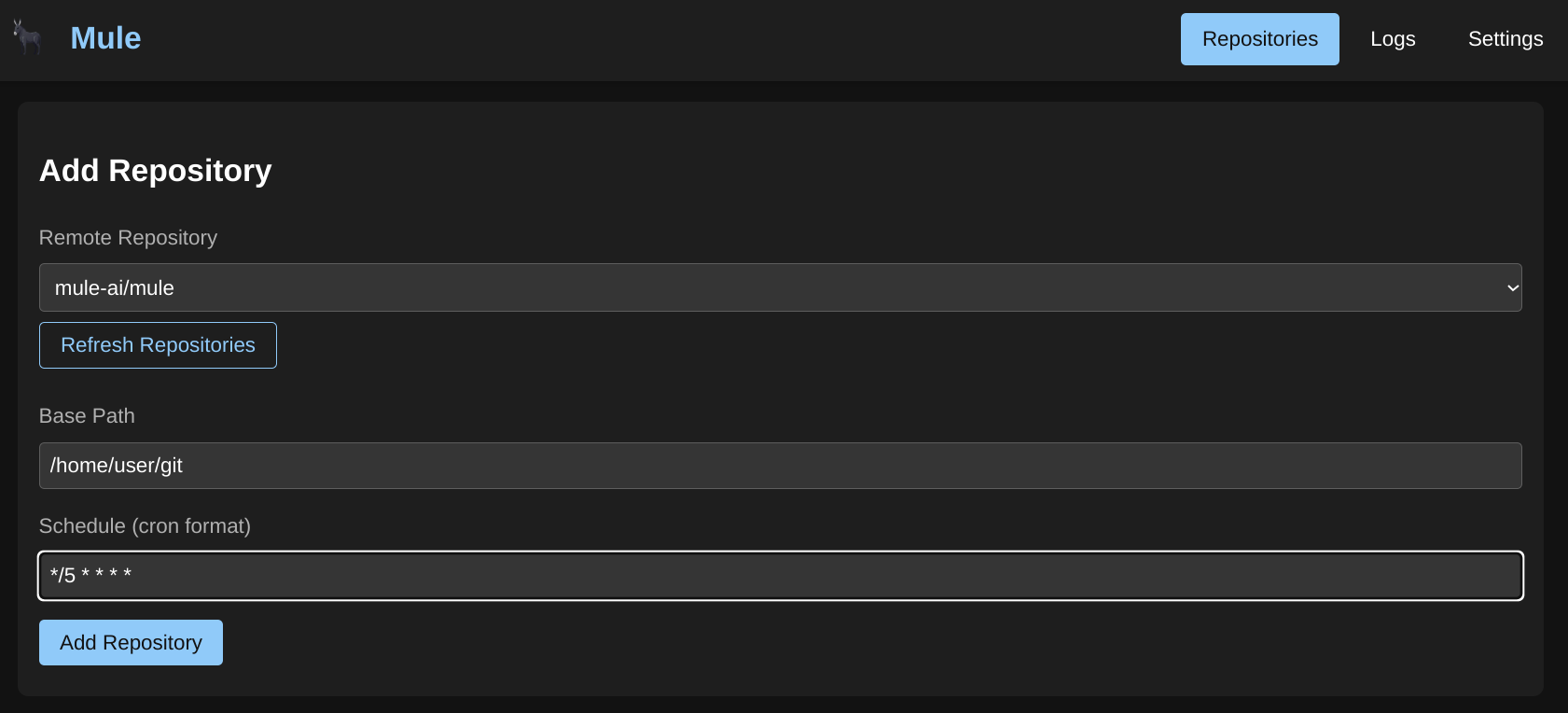
Note: Mule uses WASM modules for repository integration rather than a dedicated UI-based repository management system. This provides more flexibility and allows you to build custom GitHub automation workflows.
GitHub Integration via WASM Modules
Mule provides WASM modules for GitHub operations that can be integrated into your workflows:
Available GitHub WASM Modules
| Module | Description |
|---|---|
| create-pull-request | Create GitHub pull requests from workflows |
| github-comment | Post comments on issues and pull requests |
| github-issues | Query and process GitHub issues |
| git-branch-push | Create branches and push commits |
| git-worktree | Manage git worktrees for parallel development |
| issue-state-tracker | Track and update issue states |
| issues-to-markdown | Convert GitHub issues to markdown format |
Using GitHub Integration in Workflows
Example: Create a Pull Request
To create a GitHub pull request from a workflow:
- Create a WASM Workflow Step with the following input:
{
  "token": "your-github-token",
  "owner": "your-username",
  "repo": "your-repository",
  "title": "AI-generated PR Title",
  "base": "main",
  "body": "This PR was created automatically by Mule AI agent"
}- Execute the workflow - Mule will:
- Detect the current branch automatically (or use the
headparameter) - Create the pull request via GitHub API
- Return the PR URL in the response
- Detect the current branch automatically (or use the
Example: Comment on Issues
Post comments on GitHub issues using the github-comment module:
{
  "token": "your-github-token",
  "owner": "username",
  "repo": "repository",
  "issue_number": 42,
  "comment": "This issue is being worked on by Mule AI agent"
}
Example: Git Worktree for Parallel Development
Create isolated git worktrees for working on multiple issues simultaneously:
{
  "token": "your-github-token",
  "owner": "username",
  "repo": "repository",
  "base_branch": "main",
  "worktree_branch": "mule/issue-42-fix-bug"
}
Current Mule Features
Mule is an AI workflow automation platform with these features:
Providers
Configure AI provider connections (OpenAI, Anthropic, local LLMs, etc.). See AI Providers.
Agents
Create AI agents with specific skills and system prompts. Agents can be configured with:
- Provider: Which AI provider to use
- Model: Specific model ID
- Skills: Specialized capabilities (coding, research, etc.)
- System Prompt: Custom instructions for the agent
See Agents.
Workflows
Build multi-step automation workflows combining:
- Agent Steps: Execute an AI agent
- WASM Modules: Run custom WebAssembly code (including GitHub operations)
See Workflows.
WASM Modules
Write custom code in WebAssembly that integrates with Mule’s workflow engine. GitHub integration is available through pre-built modules. See Advanced: Validation Functions for WASM-based validation.
Jobs
Execute workflows and agents, track results, and manage artifacts. Access from the main Dashboard or Jobs page.
Architecture Overview
Mule’s architecture with GitHub integration:
┌─────────────────────────────────────────────────────────┐
│                      Mule v2                             │
├─────────────────────────────────────────────────────────┤
│  REST API  │  WebSocket  │  Workflow Engine             │
├─────────────────────────────────────────────────────────┤
│  Agents  │  Skills  │  Providers  │  WASM Modules       │
├─────────────────────────────────────────────────────────┤
│  PostgreSQL Database                                    │
└─────────────────────────────────────────────────────────┘
         │
         ▼
┌─────────────────┐
│  PI Coding      │  ← Used for AI execution
│  Agent          │
└─────────────────┘
         │
         ▼
┌─────────────────────────────────────────────────────────┐
│  GitHub WASM Modules                                     │
│  (create-pull-request, github-comment, git-worktree)    │
└─────────────────────────────────────────────────────────┘
Getting Started
To use GitHub integration with Mule today:
- Configure a Provider: Add your AI provider credentials in Settings → Providers
- Create an Agent: Build an agent with your preferred model and skills
- Create a Workflow: Add agent steps and GitHub WASM modules
- Execute Jobs: Run workflows and monitor results
See the Getting Started guide for detailed instructions.
Building Custom GitHub Automation
You can create custom GitHub automation workflows by combining:
- Agent Step: Use an AI agent to analyze issues or requirements
- WASM Module Step: Execute GitHub operations (create PR, comment, etc.)
- Validation: Add WASM modules for code validation or testing
This allows for powerful automation like:
- Autonomous bug fixing from issue descriptions
- Automated code review responses
- Continuous integration with AI assistance
Future Plans
Additional repository automation features may include:
- Native repository management UI
- Built-in issue → PR automation
- Label-based workflow triggers
Subscribe to the Mule project for updates on new features.