On this page
General
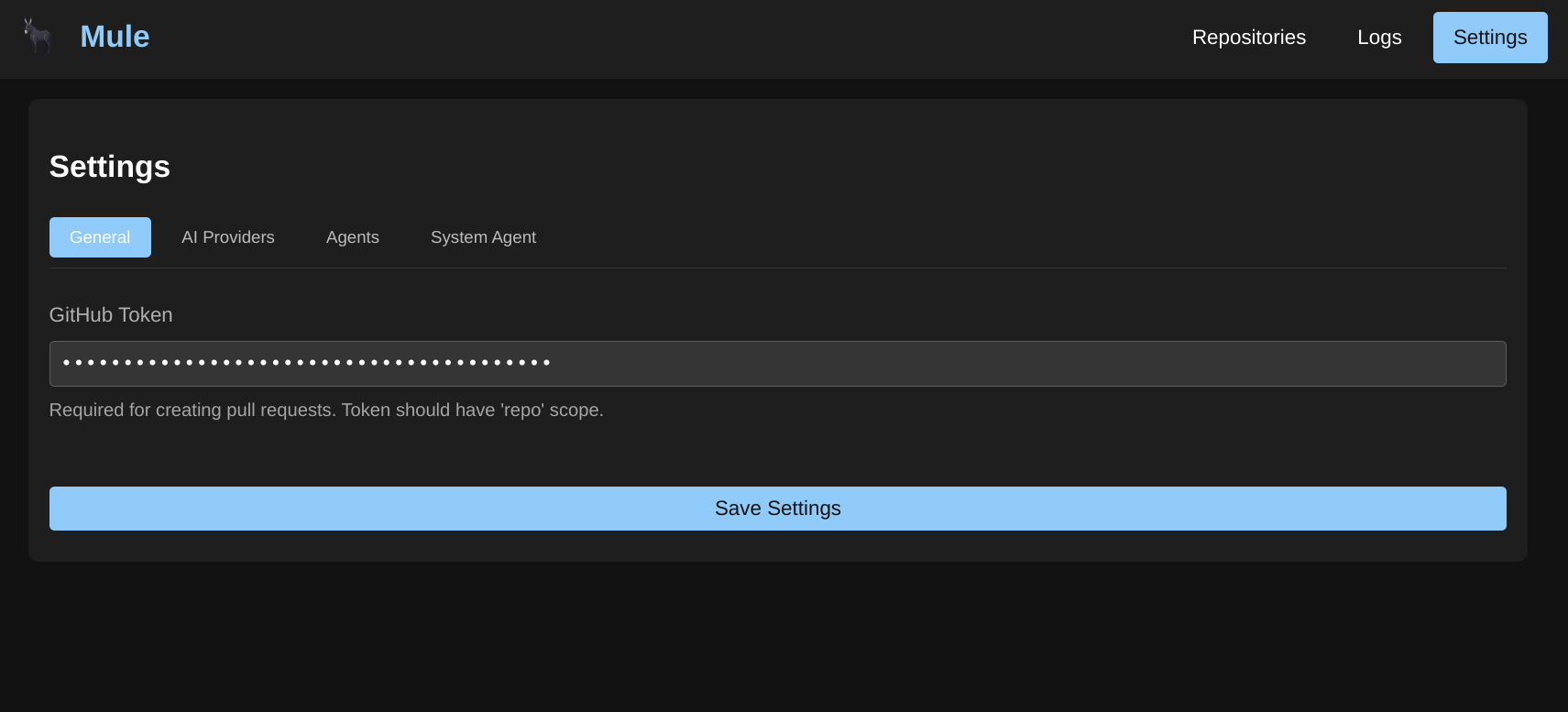
GitHub Token
The GitHub token is used to authenticate with GitHub and retrieve:
- Repositories
- Issues
- Pull Requests
- Comments and reactions
This token is required for repository integration features. For more information on creating a GitHub Token, check out their documentation.
Token Permissions
Ensure your token has the following scopes:
repo- Full control of private repositories (for accessing private repos)read:user- Read user profile data
Timeout Settings
Mule uses several timeout settings to control workflow and request execution:
timeout_workflow_seconds
Controls the maximum execution time for a single workflow step.
- Default: 300 (5 minutes)
- Type: Integer (seconds)
- Used by: Workflow engine for step execution timeout
timeout_request_seconds
Controls the maximum time for HTTP requests to the API server.
- Default:
timeout_workflow_seconds+ 60 seconds - Type: Integer (seconds)
- Used by: API server request timeout middleware
timeout_job_seconds
Controls the maximum execution time for an entire job (workflow with all steps).
- Default: 3600 (1 hour)
- Type: Integer (seconds)
- Used by: Job execution context timeout
Future Features
In the future we will have the ability to use the GitHub token to clone repositories directly. For now, repository cloning is limited to SSH authentication on the system where Mule is running.
Was this page helpful?