On this page
System Agent
Overview
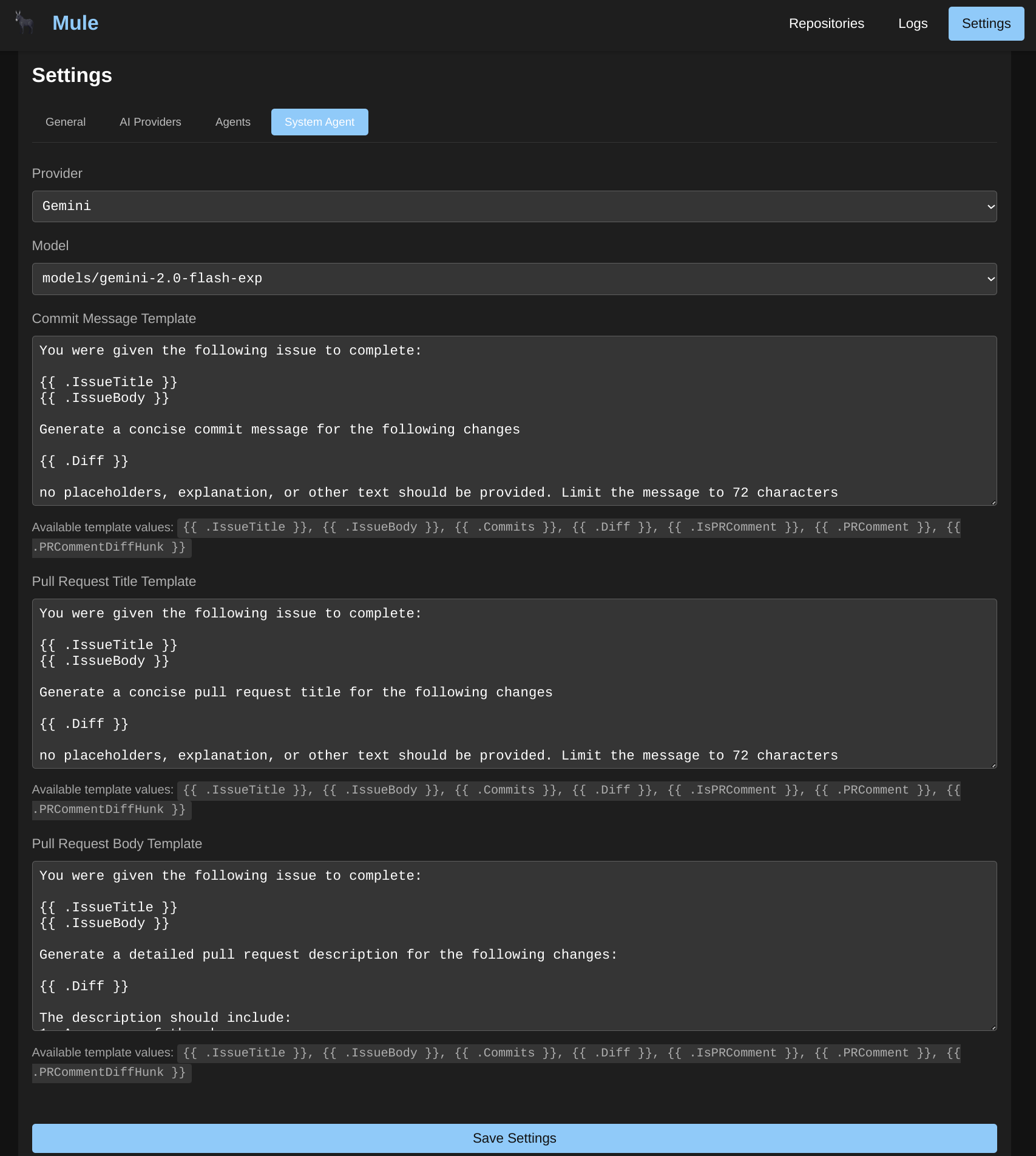
Mule does not have a separate “System Agent” entity. Instead, system tasks such as generating commit messages, pull request titles, and pull request descriptions are handled by regular agents configured through the standard agent system.
How System Tasks Work
System tasks like commit messages and PR descriptions are typically performed by:
- Creating a dedicated agent for the specific task
- Configuring the agent with appropriate provider, model, and system prompt
- Using the agent in a workflow as a step that generates the required output
Example: Commit Message Agent
Create an agent specifically for generating commit messages:
{
  "name": "commit-message-generator",
  "description": "Generates descriptive commit messages from code changes",
  "provider_id": "your-provider-id",
  "model_id": "your-model",
  "system_prompt": "You are a commit message generator. Analyze the git diff provided and generate a concise, conventional commit message. Format: <type>(<scope>): <description>"
}
Example: PR Description Agent
Create an agent for generating PR descriptions:
{
  "name": "pr-description-generator",
  "description": "Generates descriptive pull request descriptions",
  "provider_id": "your-provider-id",
  "model_id": "your-model",
  "system_prompt": "You are a pull request description generator. Analyze the changes and generate a comprehensive PR description including: Summary, Changes made, Testing performed, Related issues."
}
Workflow Integration
System task agents are typically used as workflow steps:
{
  "step_order": 1,
  "type": "agent",
  "agent_id": "commit-message-generator-id",
  "config": {
    "input_variable": "diff",
    "output_variable": "commit_message"
  }
}
Available Variables
System task agents can use the same dynamic variables as regular agents:
| Variable | Description |
|---|---|
{{.Issue.Title}} | GitHub issue title (if issue-linked) |
{{.Issue.Body}} | GitHub issue description |
{{.Diff}} | Current code diff |
{{.PRComments}} | Pull request comments |
{{.WorkingDirectory}} | Current working directory |
Best Practices
- Dedicated agents: Create separate agents for different system tasks rather than reusing a single agent
- Specific prompts: Use clear, specific system prompts that define the exact output format expected
- Model selection: Choose models appropriate for the task complexity (smaller models may suffice for simple commit messages)
- Testing: Test agents individually before integrating into workflows
Related Documentation
- Agents Configuration - General agent setup and configuration
- Workflows - Chaining agents together in pipelines
- PI Configuration - Thinking levels and runtime settings
Was this page helpful?