Tagged Posts

#Configuration

3 posts tagged with "Configuration"

settings

Configuration

Apr 10, 2026 5 min read

This page documents all configuration options for Mule, including CLI flags, environment variables, and runtime settings.

CLI Flags

Mule’s API server supports the following command-line flags:

-db

PostgreSQL connection string for the database.

mule-api -db "postgres://user:password@localhost:5432/mule?sslmode=disable"

Default: postgres://user:pass@localhost:5432/mule?sslmode=disable

Format: postgres://user:password@host:port/database?options

Options:

OptionDescriptionDefault
sslmodeSSL connection modedisable
connect_timeoutConnection timeout in seconds10

Example with SSL:

mule-api -db "postgres://user:pass@localhost:5432/mule?sslmode=require"

-listen

HTTP listen address for the API server.

Read Article
settings

General

Feb 20, 2025 3 min read

general-settings

Where settings live

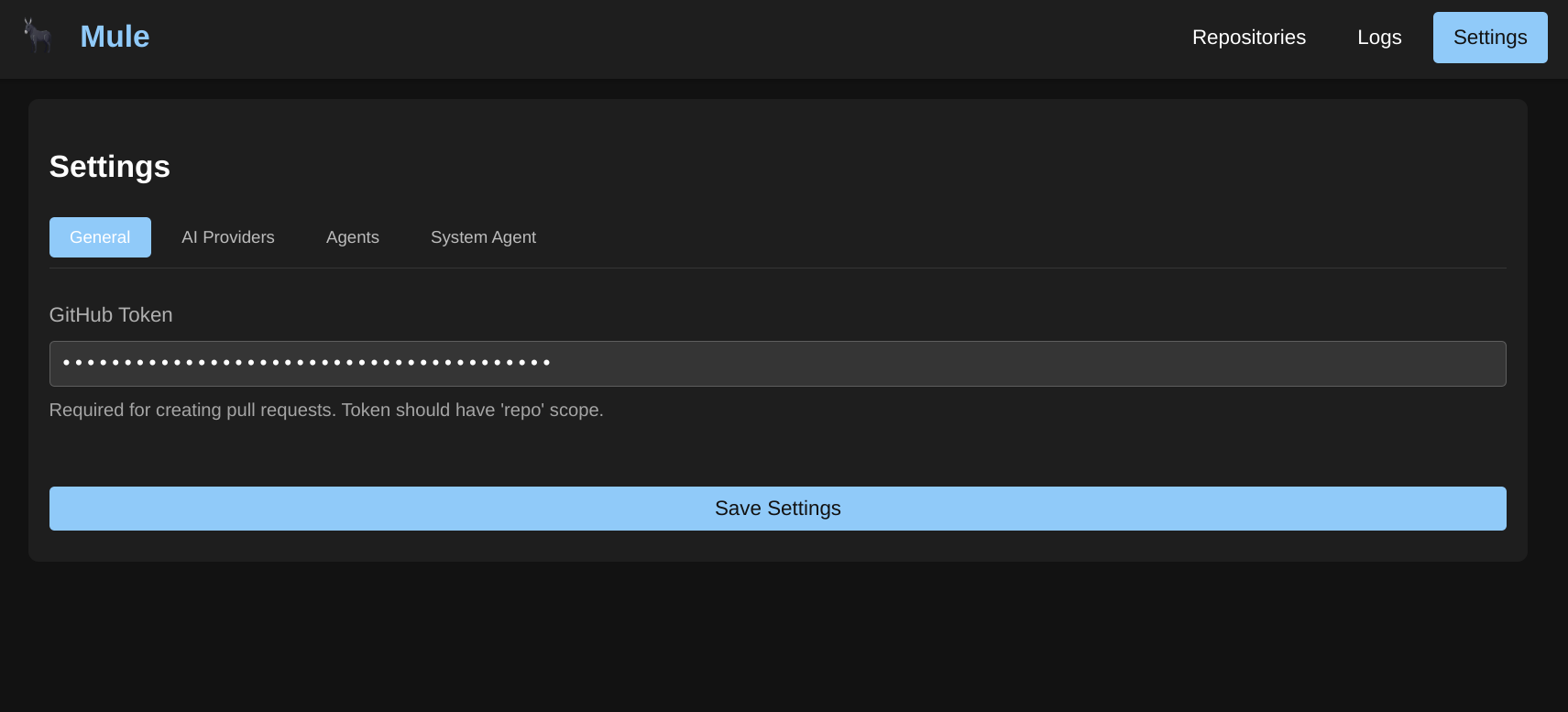
Settings are rows in the settings table (key, value, description, category) and are edited on the Settings page of the web UI, which lists every row grouped by category and saves them through PUT /api/v1/settings/{key}. Mule ships the rows below via internal/database/migrations/0003_add_settings_table.sql, 0004_add_max_tool_calls_setting.sql, and 0005_add_job_timeout_setting.sql; you can add your own rows with the same API. See HTTP API Reference for the endpoints.

GitHub Token

Mule does not store a GitHub token as a setting or use it for built-in repository features — there is no repository integration subsystem in the server. GitHub automation is performed by WASM modules that take the token as part of their per-step input, typically under a token field:

Read Article
settings

Settings

Feb 20, 2025 2 min read

The Settings section allows you to configure all aspects of Mule’s behavior. From AI providers to agent configurations, these settings control how Mule processes tasks and interacts with your repositories.

Available Settings

CategoryDescription
ConfigurationCLI flags, environment variables, and runtime configuration
AuthenticationAPI keys, admin bootstrap, dev mode, and per-user data isolation
GeneralTimeout settings, the tool-call limit, and how GitHub tokens/repository work are handled
AI ProvidersConfigure OpenAI, Anthropic, Gemini, Ollama, and other AI providers
AgentsCreate and configure AI agents for code generation and tasks
SkillsAssign pi agent skills to extend agent capabilities
ToolsBuilt-in and custom tools for agent interactions
System AgentConfigure the agent used for system tasks like commit messages
WorkflowsDefine multi-step workflows with validation and branching logic
MemoryConfigure vector embedding storage for semantic search

Getting Started with Settings

Settings are organized from general configuration to specific agent behaviors:

Read Article