Tagged Posts

#Settings

11 posts tagged with "Settings"

settings

Configuration

Apr 10, 2026 5 min read

This page documents all configuration options for Mule, including CLI flags, environment variables, and runtime settings.

CLI Flags

Mule’s API server supports the following command-line flags:

-db

PostgreSQL connection string for the database.

mule-api -db "postgres://user:password@localhost:5432/mule?sslmode=disable"

Default: postgres://user:pass@localhost:5432/mule?sslmode=disable

Format: postgres://user:password@host:port/database?options

Options:

OptionDescriptionDefault
sslmodeSSL connection modedisable
connect_timeoutConnection timeout in seconds10

Example with SSL:

mule-api -db "postgres://user:pass@localhost:5432/mule?sslmode=require"

-listen

HTTP listen address for the API server.

Read Article
settings

General

Feb 20, 2025 3 min read

general-settings

Where settings live

Settings are rows in the settings table (key, value, description, category) and are edited on the Settings page of the web UI, which lists every row grouped by category and saves them through PUT /api/v1/settings/{key}. Mule ships the rows below via internal/database/migrations/0003_add_settings_table.sql, 0004_add_max_tool_calls_setting.sql, and 0005_add_job_timeout_setting.sql; you can add your own rows with the same API. See HTTP API Reference for the endpoints.

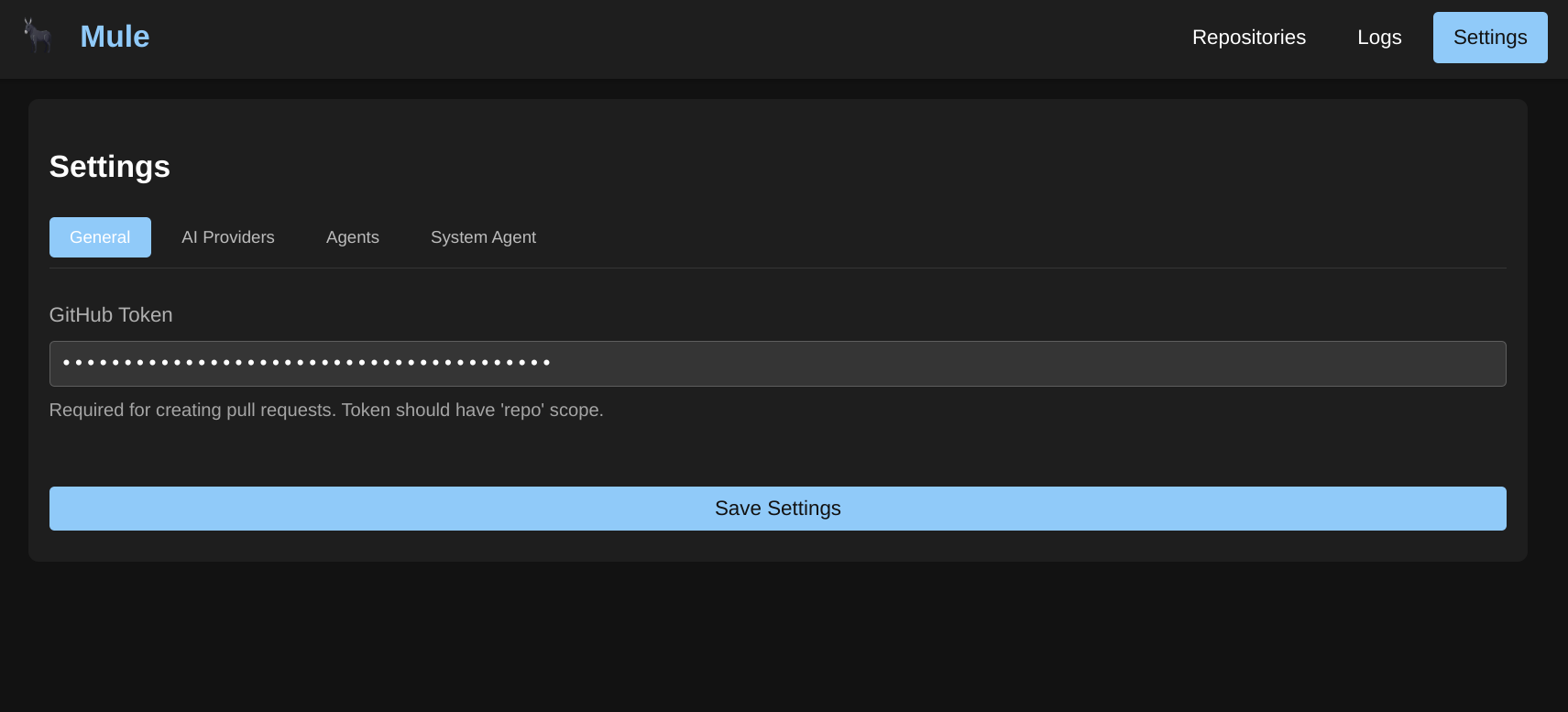
GitHub Token

Mule does not store a GitHub token as a setting or use it for built-in repository features — there is no repository integration subsystem in the server. GitHub automation is performed by WASM modules that take the token as part of their per-step input, typically under a token field:

Read Article
settings

Authentication & Tenancy

Oct 26, 2026 6 min read

Every /api/v1/* and /v1/* endpoint in Mule requires authentication with an API key. This page covers how keys work, how the first admin is bootstrapped, development shortcuts, and how Mule isolates each user’s data in multi-user (fleet) deployments.

Overview

Mule implements multi-user tenancy (migration 0012_tenancy.sql):

  • Each user’s agents, workflows, jobs, skills, and providers are invisible and inoperable to every other user.
  • An admin role is available for fleet operators and sees all owners’ data.
  • Tools, WASM modules, settings, and memory config are shared/global by design.

Authentication is enforced by middleware on the API server (internal/api/auth.go):

Read Article
settings

Skills

Mar 28, 2026 5 min read

Skills extend Mule agents with specialized instructions using the pi agent framework. A skill is a directory on disk containing a SKILL.md file; Mule registers such directories as records in its database and hands their paths to the pi subprocess when an agent runs.

Overview

Mule does not ship any built-in skills. Every skill is created by an operator (or an owner-scoped API user) by registering a name, description, and filesystem path via the skills API. At agent start, the runtime collects the paths of all assigned and enabled skills and launches the pi child process with one --skill <path> flag per skill (see internal/agent/runtime.go and internal/agent/pirc). Pi then advertises each skill’s name and description in the system prompt and loads the full SKILL.md instructions only when a task calls for them.

Read Article
settings

Agents

Feb 20, 2025 5 min read

agents

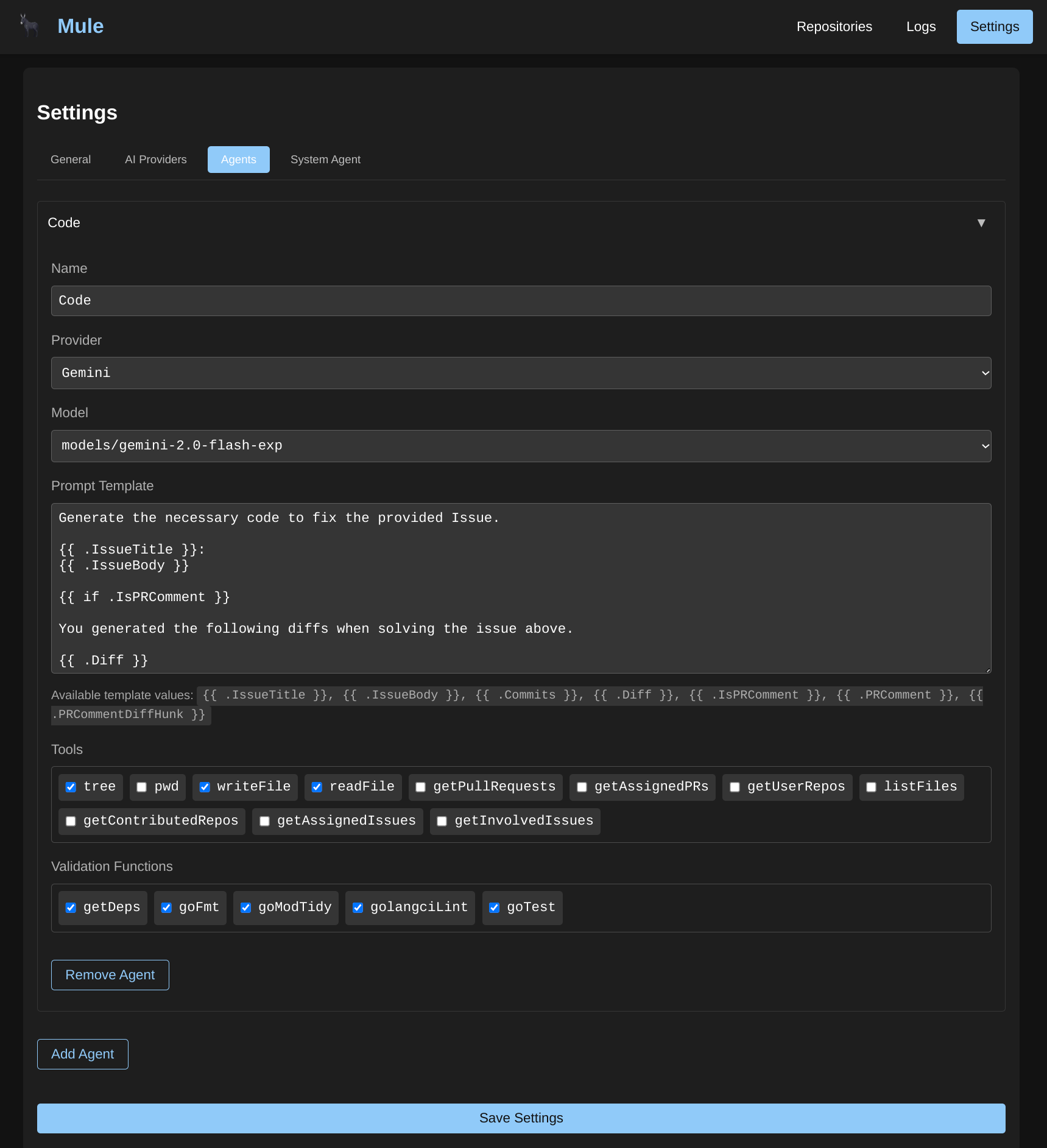
Agents are the core workers in Mule. Each agent is configured with an AI Provider, Model, and a system prompt that defines its behavior.

Agent Configuration

When creating an agent, you configure:

  • Name: A descriptive identifier for the agent
  • Description: What this agent does (optional)
  • AI Provider: The configured AI provider to use
  • Model: The specific model from that provider (format: provider/model-id, e.g., anthropic/claude-sonnet-4.5)
  • System Prompt: Instructions that define the agent’s behavior and capabilities
  • Tools: External capabilities the agent can use (filesystem, bash, HTTP, database, memory)
  • Skills: pi agent skills that extend the agent’s capabilities
  • PI Config: Advanced settings for the PI runtime (thinking level, etc.)

PI Configuration

The PI Config allows you to fine-tune how the agent processes tasks. This is passed as a JSON object when creating or updating an agent:

Read Article
settings

System Agent

Feb 20, 2025 2 min read

system-agent

Overview

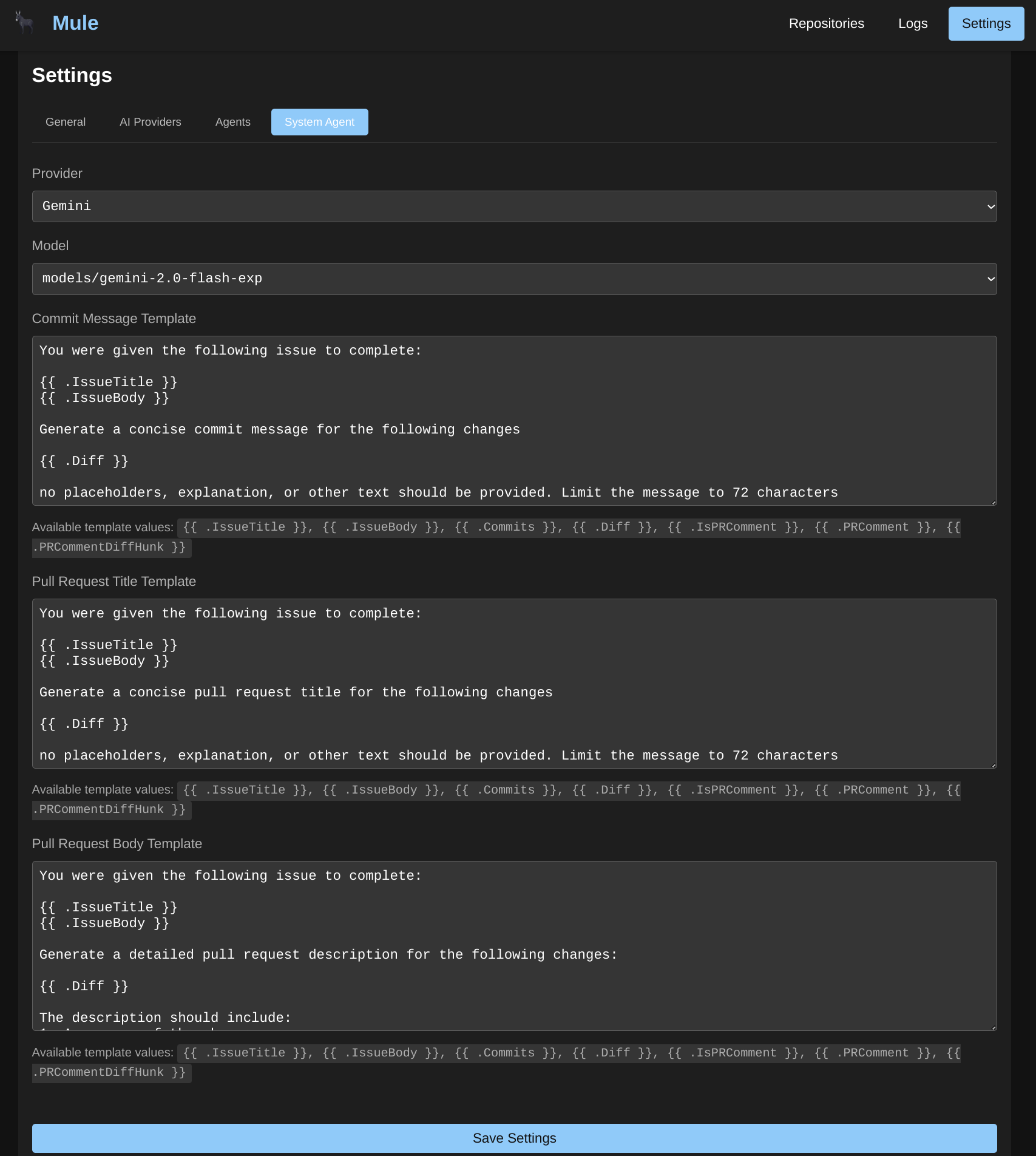
Mule does not have a separate “System Agent” entity. Instead, system tasks such as generating commit messages, pull request titles, and pull request descriptions are handled by regular agents configured through the standard agent system.

How System Tasks Work

System tasks like commit messages and PR descriptions are typically performed by:

  1. Creating a dedicated agent for the specific task
  2. Configuring the agent with appropriate provider, model, and system prompt
  3. Using the agent in a workflow as a step that generates the required output

Example: Commit Message Agent

Create an agent specifically for generating commit messages:

Read Article
settings

Memory Configuration

Mar 28, 2026 4 min read

Mule’s memory system enables agents to store and retrieve information using semantic search powered by vector embeddings. This allows agents to maintain context across conversations, recall relevant information, and build on previous knowledge.

Overview

The memory configuration controls how Mule stores and retrieves embeddings for semantic search. It’s used by the memory tool that agents can access to:

  • Store content with metadata for later retrieval
  • Query stored content using semantic similarity
  • Maintain persistent context across sessions
  • Build knowledge bases for specialized agents

The memory tool runs in vector mode only when a valid memory configuration exists and an embedding provider can be initialized. If no memory_config row exists at startup, the memory tool is not registered at all; saving a configuration via the API registers it without a restart. If the embedding provider itself fails to initialize, the agent runtime falls back to a legacy in-process key-value memory tool (get/set/delete/list, no embeddings, contents lost on restart) until the next restart. See Tools → Memory Tool for both modes.

Read Article
settings

Tools

Mar 29, 2026 6 min read

Tools extend Mule agents with capabilities to interact with external systems, execute commands, and manipulate data. Each tool provides specific functionality that agents can invoke during task execution.

Built-in Tools

Mule provides five built-in tools that are always available:

ToolDescriptionUse Case
bashExecute shell commandsRunning scripts, git operations, build tools
filesystemRead, write, and manage filesCode file operations, configuration management
httpMake HTTP requestsAPI calls, webhook triggers, data fetching
databaseQuery PostgreSQL databasesData retrieval, database inspection
memorySemantic storage and retrievalContext retention, knowledge bases

Tool Registry

The tool registry manages all available tools and allows you to:

Read Article
database

Database & Migrations

Nov 12, 2026 4 min read

Mule stores every primitive — providers, agents, tools, skills, workflows, jobs, WASM modules, wakes, policies, users, and API keys — in a single PostgreSQL database. There is no other supported storage backend.

This page covers how Mule connects to Postgres, how the schema is created and evolved automatically at startup, and which tables make up the data model.

Connecting

The database is configured with the -db CLI flag — a standard PostgreSQL connection string. There is no environment-variable equivalent:

Read Article
settings

Settings

Feb 20, 2025 2 min read

The Settings section allows you to configure all aspects of Mule’s behavior. From AI providers to agent configurations, these settings control how Mule processes tasks and interacts with your repositories.

Available Settings

CategoryDescription
ConfigurationCLI flags, environment variables, and runtime configuration
AuthenticationAPI keys, admin bootstrap, dev mode, and per-user data isolation
GeneralTimeout settings, the tool-call limit, and how GitHub tokens/repository work are handled
AI ProvidersConfigure OpenAI, Anthropic, Gemini, Ollama, and other AI providers
AgentsCreate and configure AI agents for code generation and tasks
SkillsAssign pi agent skills to extend agent capabilities
ToolsBuilt-in and custom tools for agent interactions
System AgentConfigure the agent used for system tasks like commit messages
WorkflowsDefine multi-step workflows with validation and branching logic
MemoryConfigure vector embedding storage for semantic search

Getting Started with Settings

Settings are organized from general configuration to specific agent behaviors:

Read Article